Kitora
Free printable resource
First aid kit restocking sheet
Build a restocking handover below, or print the blank sheet after a kit check. Record what needs replacing, who owns the action, when it is due and when the item is back in the kit.
The print dialog lets you choose a printer or save a PDF. On Windows, you can also press Ctrl+P; on Mac, press Command+P.
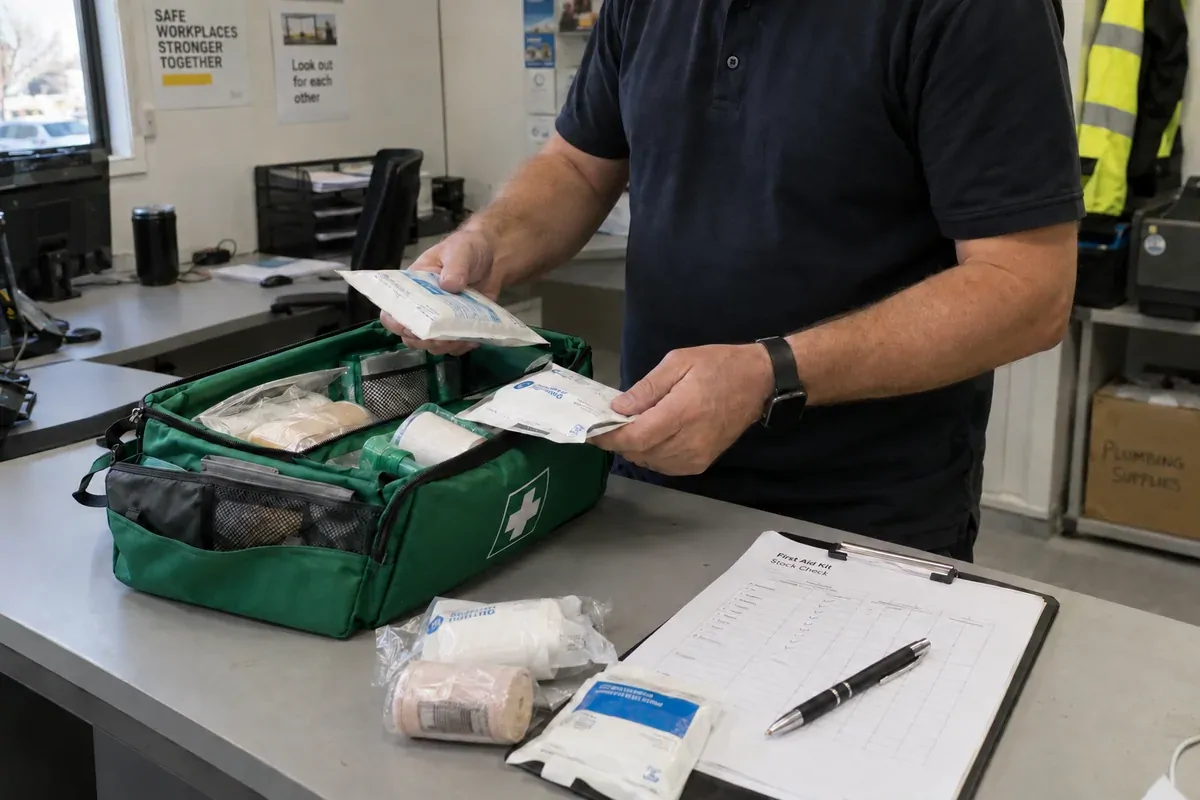
Start from the completed kit check. Copy each shortage, expired item, damaged item or opened sterile product onto this sheet. Use the exact product description and quantity selected for that kit. This is a follow-up record, not a contents list and not a substitute for your workplace risk assessment.
Build a restocking handover
Enter one kit at a time. Use the target chosen for your workplace. Count only usable stock: exclude expired, damaged or opened sterile items. Do not subtract those rejected items again. Keep all counts in the same stock unit, such as one pair of gloves rather than one glove.
Your entries stay in this page and disappear when you close or reload it. Download the text handover or print to save a PDF before leaving. This tool does not send orders.
Worked example: a partial delivery
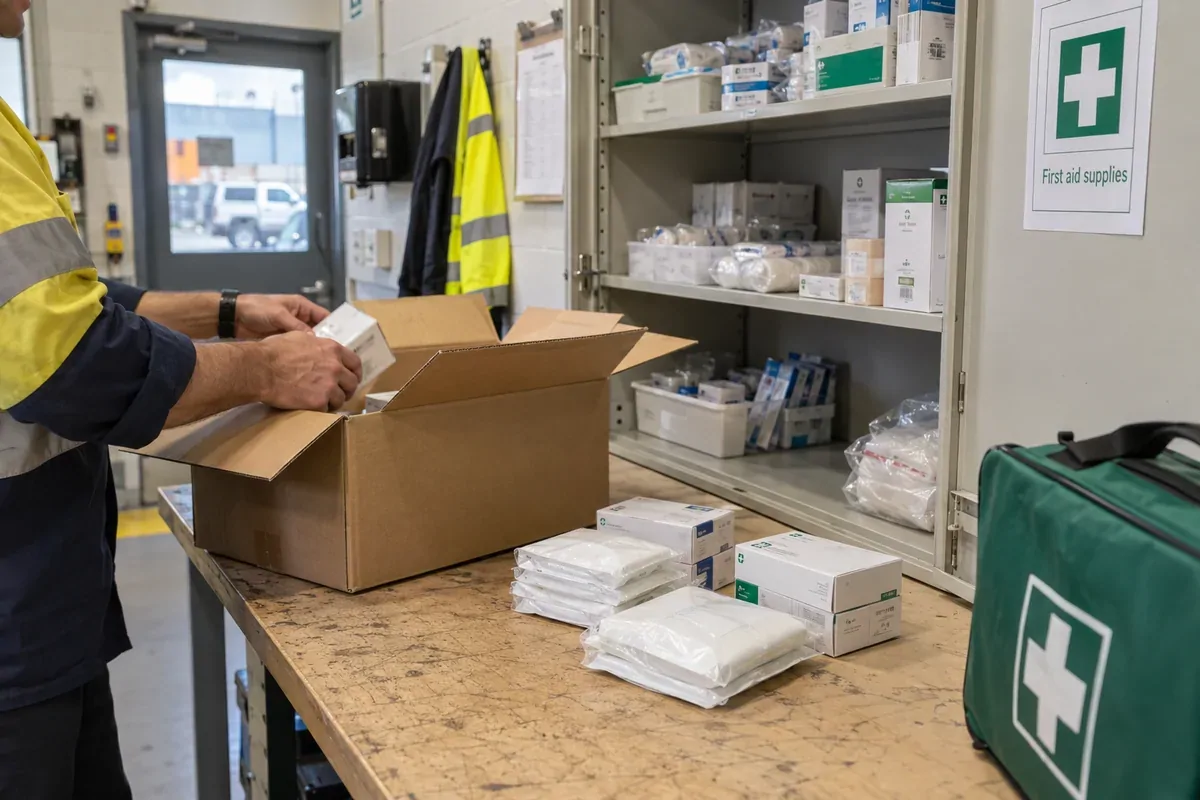
A fictional kit target is 12 saline pods. Five are usable; three expired pods are excluded from that count. The shortage is 12 − 5 = 7 pods. A supplier sells five pods per pack, so two packs cover the shortage with three spare pods. These example quantities are not a recommended kit contents list.
If only five pods arrive and three go into the kit, four pods are still needed in the kit, two received pods still need placement and five pods await delivery. Keep the action open. Agree where spare stock will be held, and record the owner and due date for the remaining work.
No shortage? A zero result only compares your counts with your target; it does not confirm the kit is suitable or compliant. If stock is used while an order is open, do another check before closing the action.
Restocking sheet
Workplace: ____________________ Kit: ____________________
Location: ____________________ Kit check date: ____________________
Prepared by: ________________________________________ Needed by: ____________________
Keep the action open until the item is back in the kit. “Ordered” or “received” alone does not show that the kit has been restored.
| Item and reason | Qty | Owner / due | Ordered | Received | Back in kit |
|---|---|---|---|---|---|
| [ ] | [ ] | [ ] | |||
| [ ] | [ ] | [ ] | |||
| [ ] | [ ] | [ ] | |||
| [ ] | [ ] | [ ] | |||
| [ ] | [ ] | [ ] | |||
| [ ] | [ ] | [ ] | |||
| [ ] | [ ] | [ ] | |||
| [ ] | [ ] | [ ] |
Supplier, order number or interim action
________________________________________________________________________________
________________________________________________________________________________
All listed items back in kit: [ ] Yes [ ] No
If no, open action and person advised: ________________________________________________
Follow-up checked by: ____________________ Date: ____________________
What to include on the restocking sheet
- Specific item: include size, type or pack details so the buyer does not have to guess.
- Responsible person and due date: make one person responsible for the next action.
- Completed work: confirm the replacement is back in the correct kit, not simply delivered somewhere on site.
Safe Work Australia’s model Code recommends nominating someone to maintain first aid kits, monitoring use, replacing used items as soon as practicable, and checking condition, expiry dates and sterile seals. It is national model guidance; confirm the requirements and approved guidance applying through your jurisdictional regulator.
Source check: Read Safe Work Australia’s model Code and first aid guidance, then find your state or territory regulator.
Need the physical-check source as well? Use the workplace first aid kit checklist. For a signed summary and hand-over record, use the inspection record template.
Keep kit records on your computer
Kitora records stock counts and inspection history on your computer. Open a restock report to see items below their required quantity.
Using Kitora
Record what needs replacing.