Free Windows freeware · works offline
First aid paperwork is a small job until nobody owns it.
Open Kitora, see what needs doing, check the real kit and leave a record the next person can use.
No account. No subscription. Your records stay on your Windows computer.
Follow the five-step tour
See the workflow before you choose a next step.
Jump to the part that matches your day: notice, renew, report, inspect or hand over.
01 / See what needs attention
Open the day with a short list, not a hunting expedition.
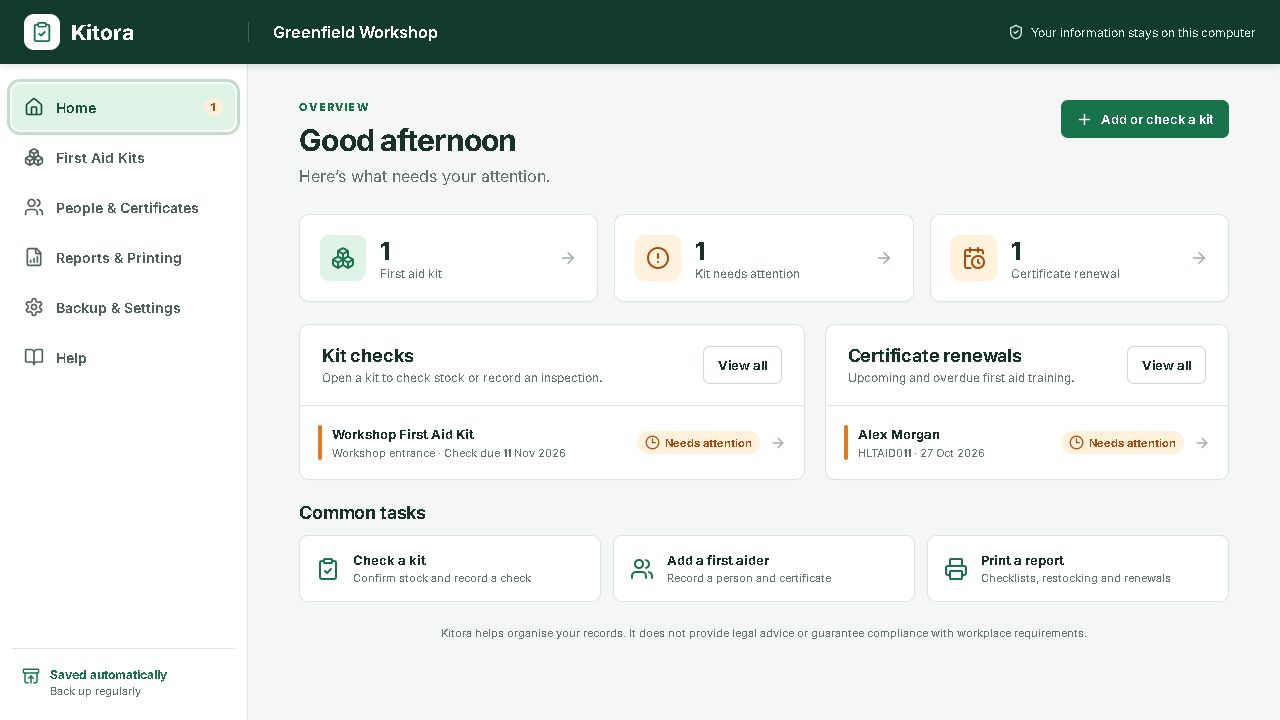
Before anyone opens the cupboard, see the few things that need attention: a kit, a shortage or a renewal date.
- One overview: see the organisation’s kits and people at a glance
- Plain-language status: know what is good, due soon or needs action
- Direct next step: open the relevant kit, person or report

01 / See
Open Kitora and see the short list of things worth checking.
02 / Check
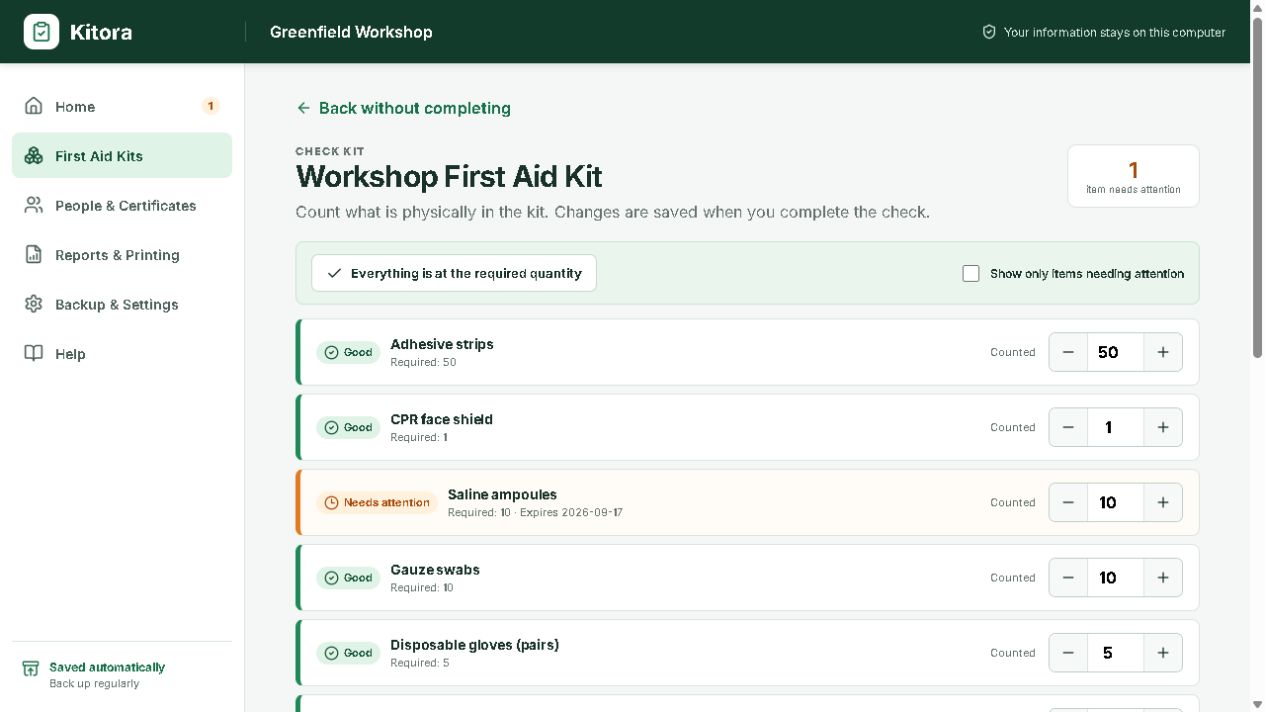
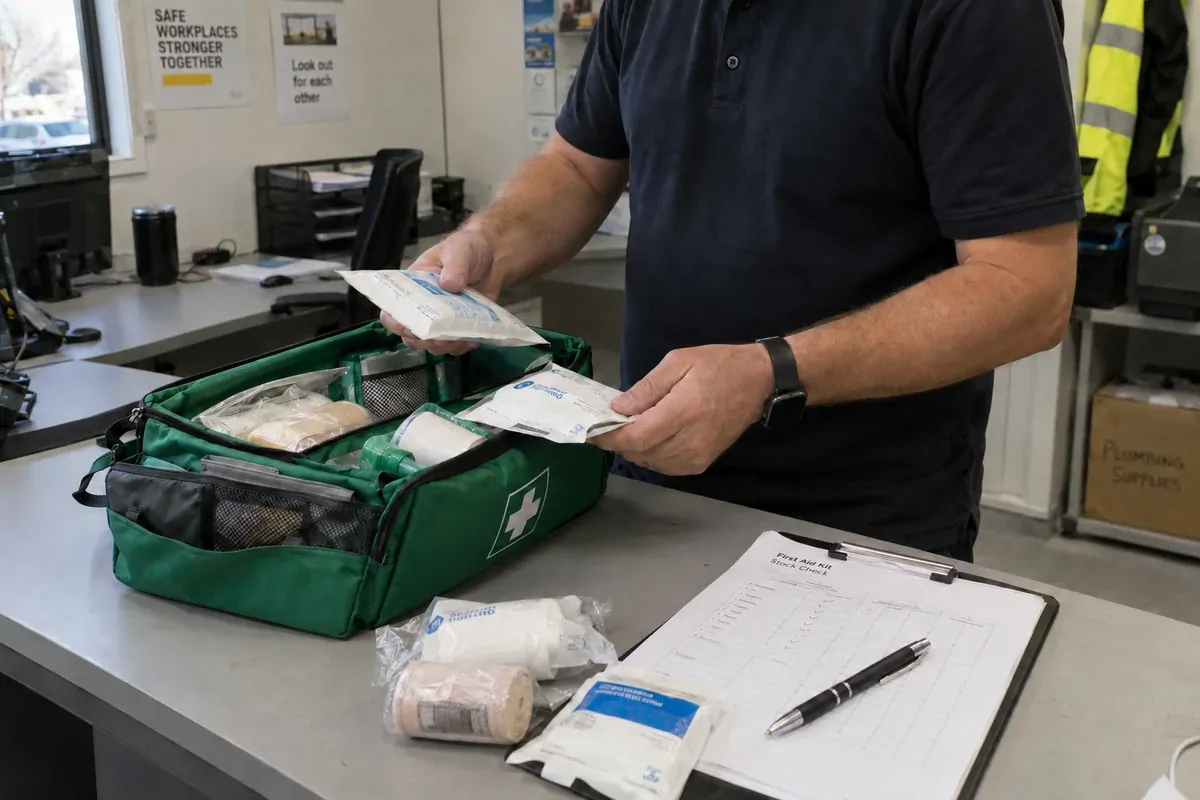
Open the kit and count what is actually on the shelf.
03 / Keep
Save the inspection so the next person can see what happened.

02 / Keep renewals visible
Know whose training needs a phone call before it expires.
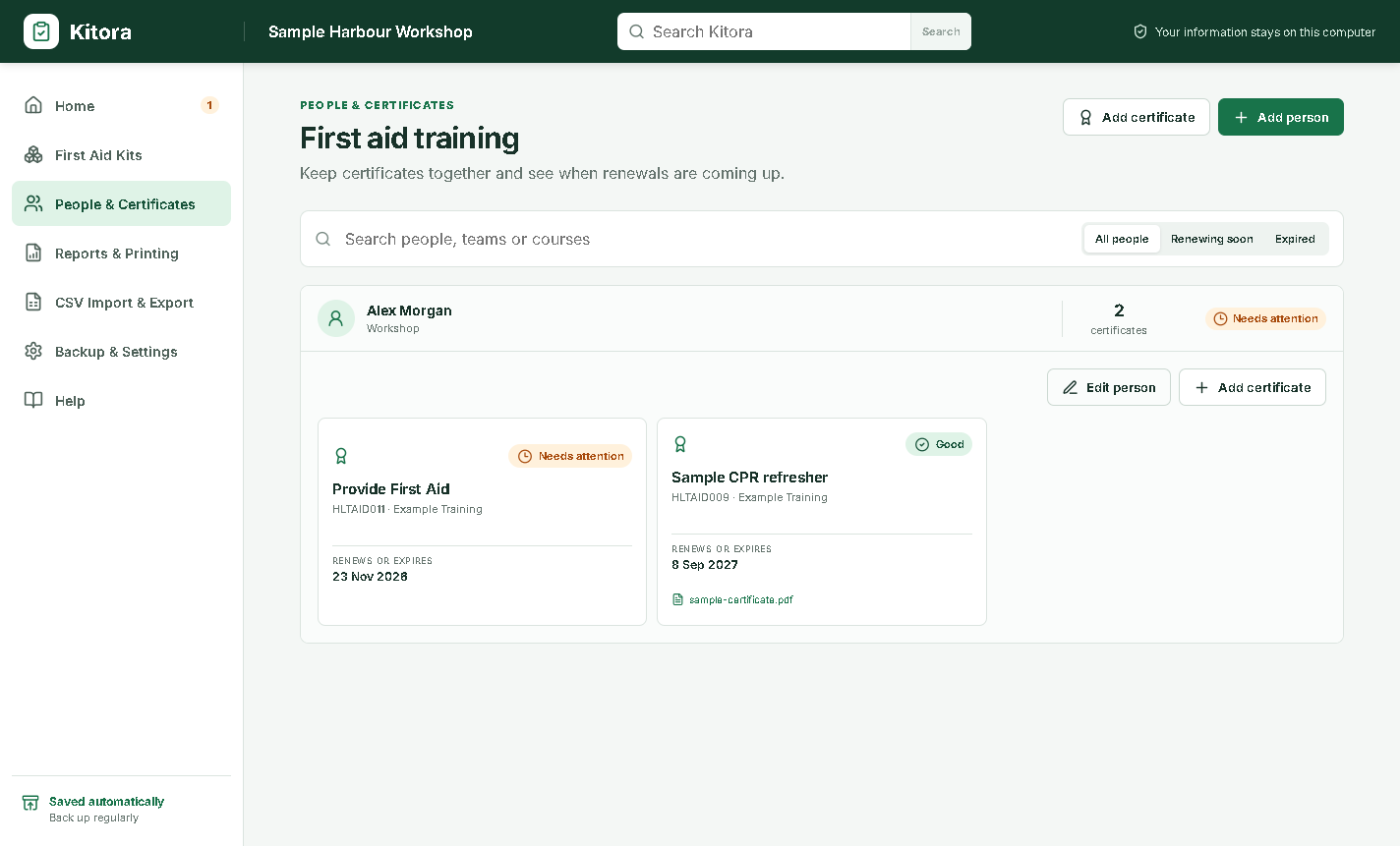
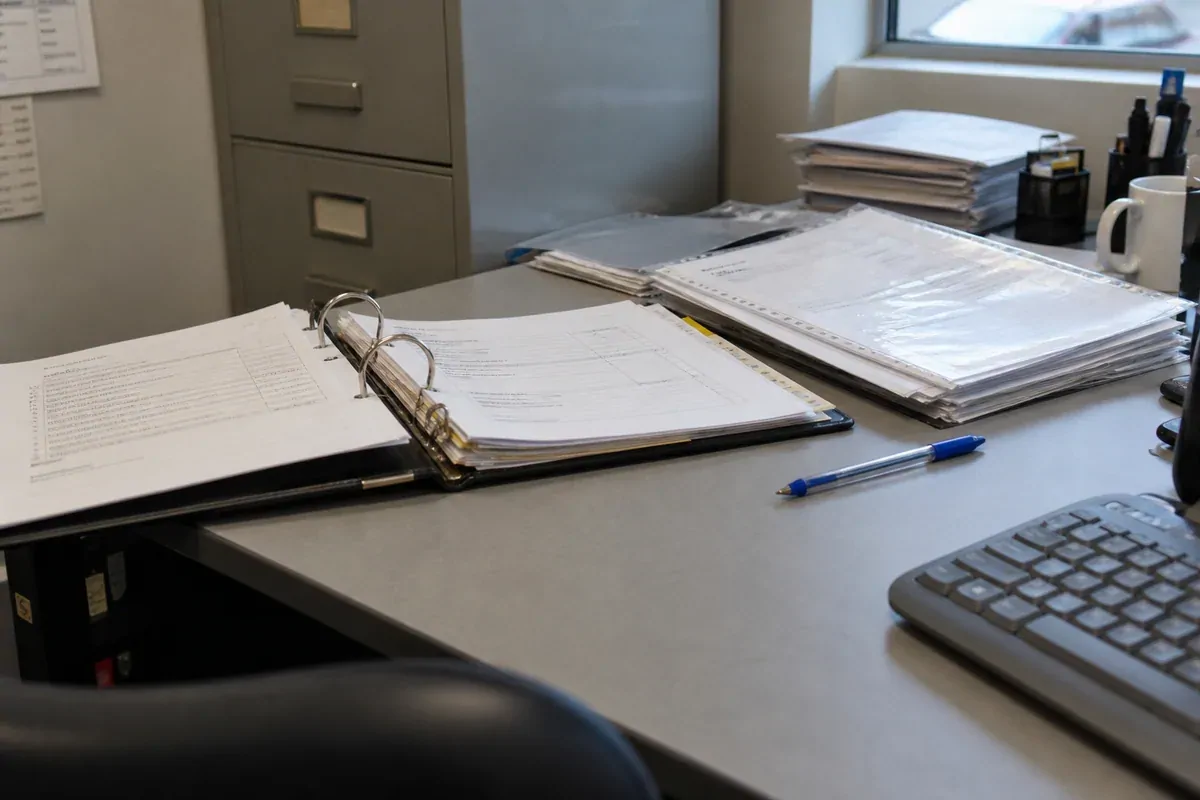
The useful question is not “where is the spreadsheet?” It is “whose training needs attention next?” Kitora keeps people, certificates and renewal status together so a date does not disappear into a folder.
- Search by person, team or course when you need a specific record
- Filter renewal status to focus on current, soon or expired certificates
- Keep the detail nearby with provider, dates, reference and local attachment fields
03 / Print something useful
Give the next conversation names, dates and one clear reason for the call.
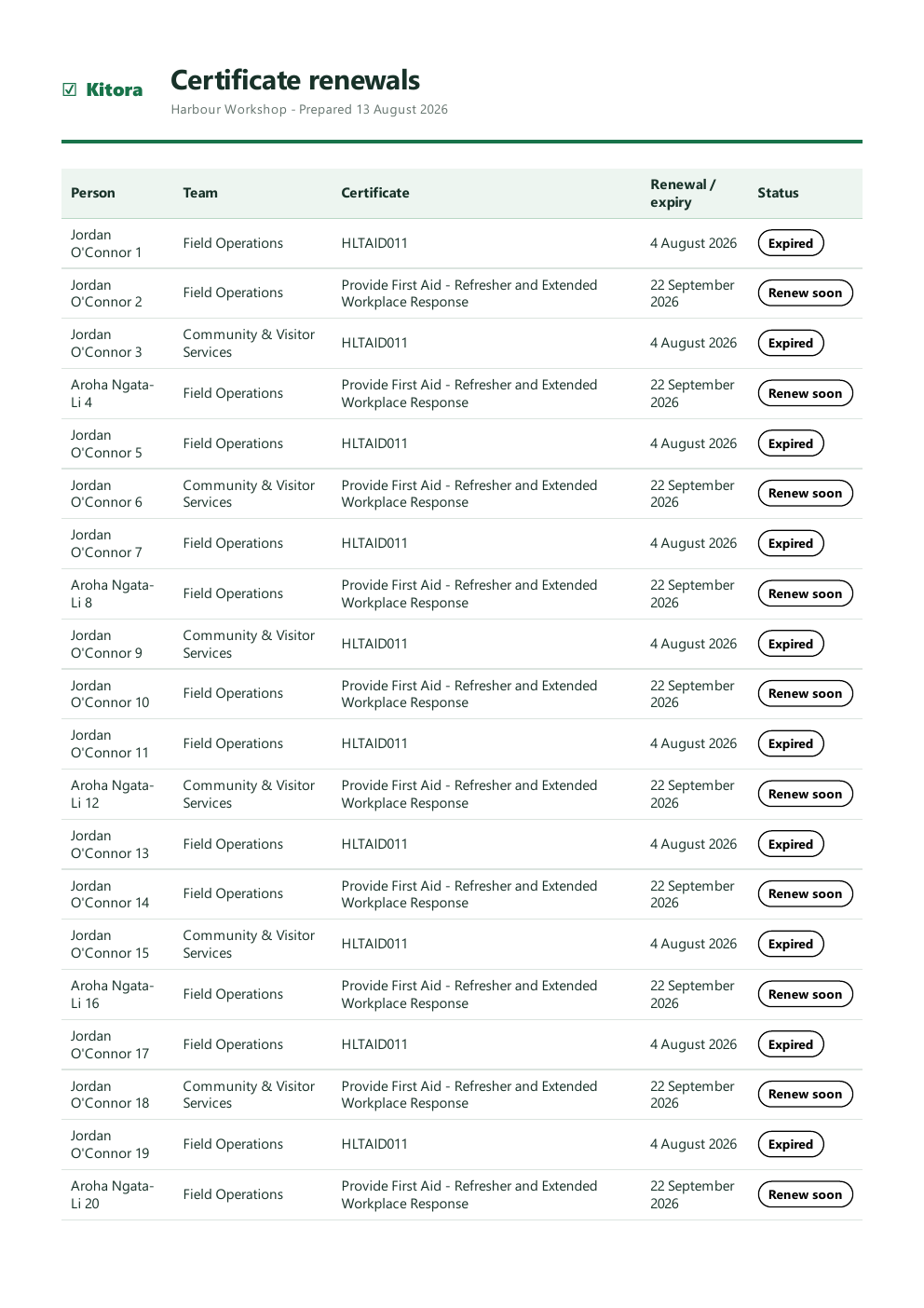
When a certificate is due, a short printable list is more useful than another screen full of gauges. Kitora turns renewal dates and status into a page you can review, save or share inside your workplace.
- See the person and team beside the course and renewal date
- Separate expired from renew soon with words, not colour alone
- Keep a printable record for your own workplace files


04 / Inspect and hand over
Turn a cupboard check into a record worth keeping.
Count what is there. Write down the exception. Leave the next person an action, not a vague “checked”.
- Count beside the kit with quantities and expiry details in view
- Capture the exception with plain-language status and follow-up notes
- Keep the handover with the kit history and a printable report
Need a paper starting point? Read the inspection records guide.
05 / Back up and hand over

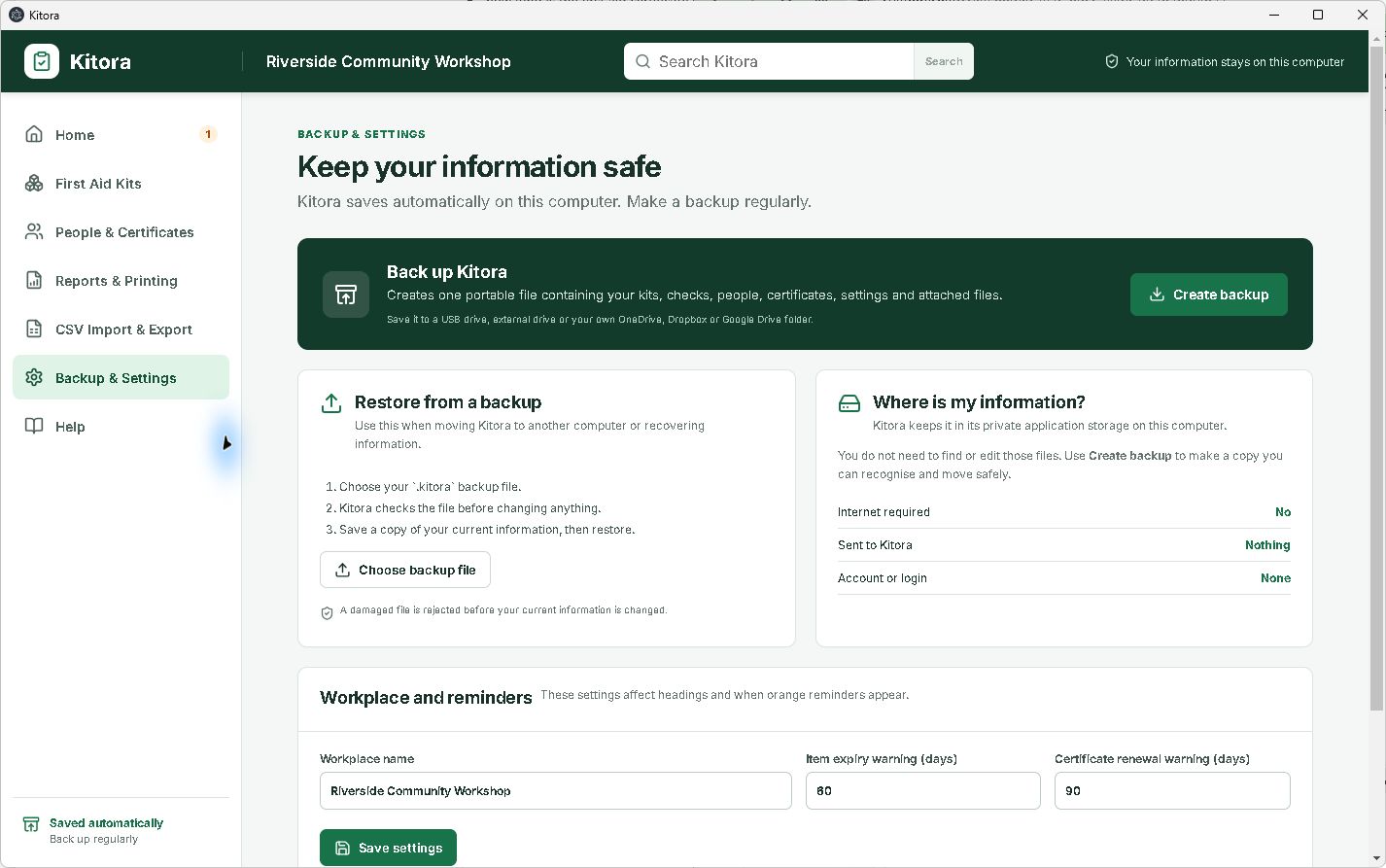
Make a backup you can find again.
You should know what the backup contains, where it is going and how to restore it before you need it. Choose where to save the portable .kitora file, then keep that copy somewhere separate from the computer.
- Know what travels before you save a copy
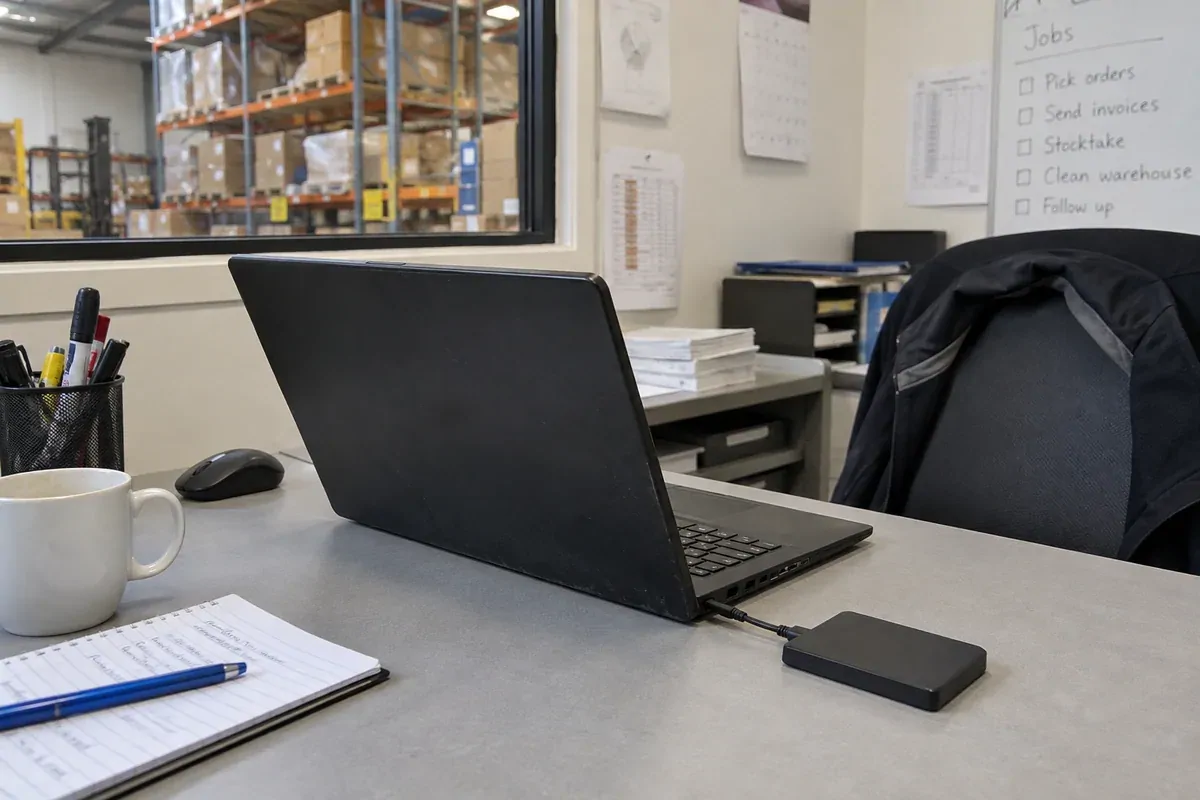
- Keep one portable file on a USB drive or your own cloud folder
- Restore deliberately on another computer when you choose
No account, cloud database or automatic sync is needed. Read the backup and restore help.
Know where the copy goes
The app stays local
Kitora does not require an account or upload your records in the background. The database and certificate attachments stay in the app’s local data on your computer.
The backup is your choice
Back Up Kitora creates one .kitora file only when you ask. If you move it by USB, email or a synced folder, that destination’s security and privacy terms apply; restoring replaces the current Kitora data.
Finish the tour
Choose the workflow you want to try first.
Download Kitora to see the local checks, certificate records, printable reports and deliberate backup hand-off in one place.
A practical next step
Make each inspection easy to hand over
Record who checked a kit, what changed and when it is due next. The inspection records guide will show a simple way to keep that hand-off clear.