Kitora
Privacy
Your Kitora records stay on your computer
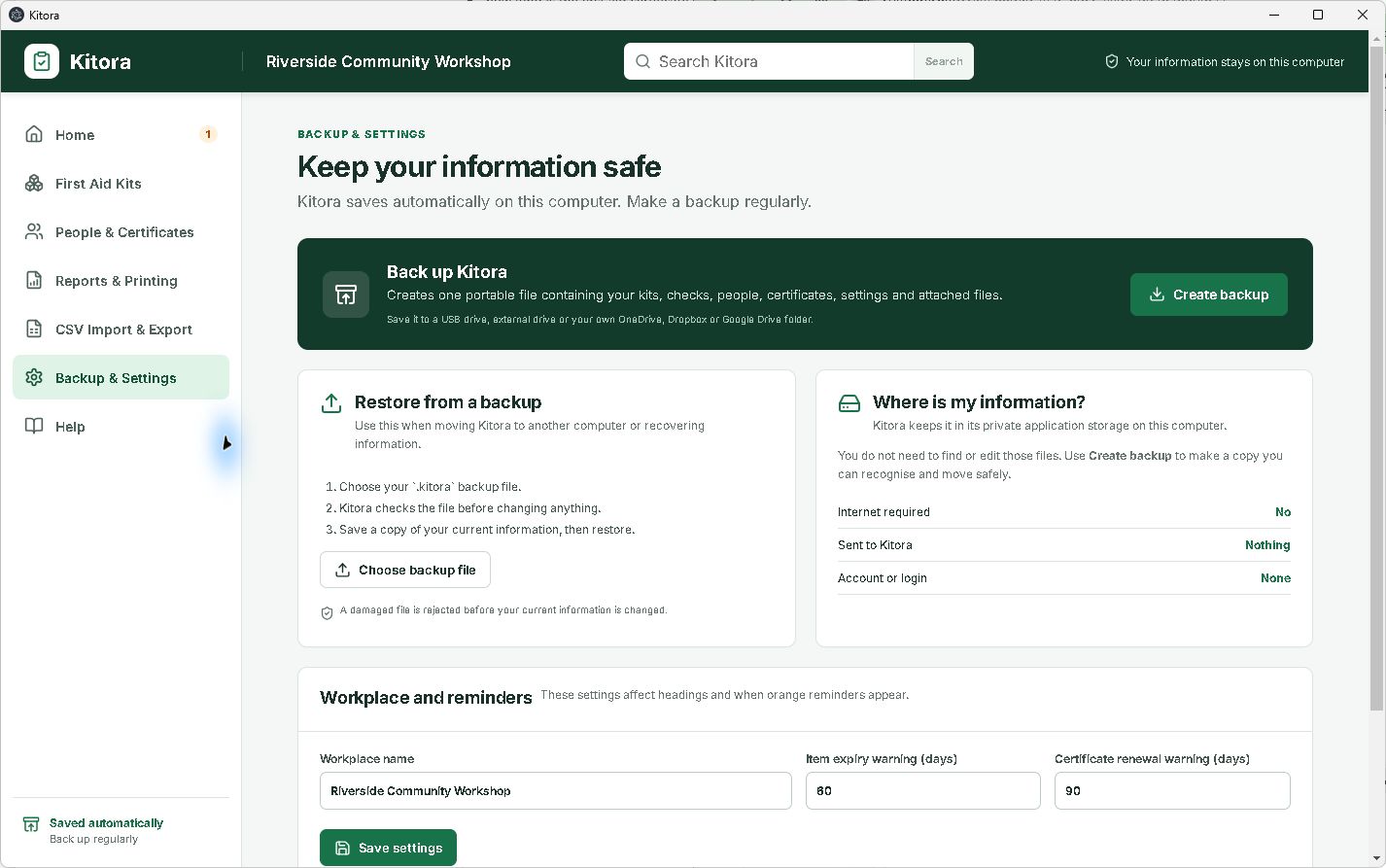
The desktop app has no Kitora account, cloud database, advertising or product analytics. It does not upload your kits, people, certificates or attachments in the background.
Follow the information
What happens when you export, back up or email
01 / On this computer
Your working records stay local
Kitora stores its database and certificate attachments in the app’s local data on your computer. You do not sign in to use it.
02 / When you back up
Kitora makes one file when asked
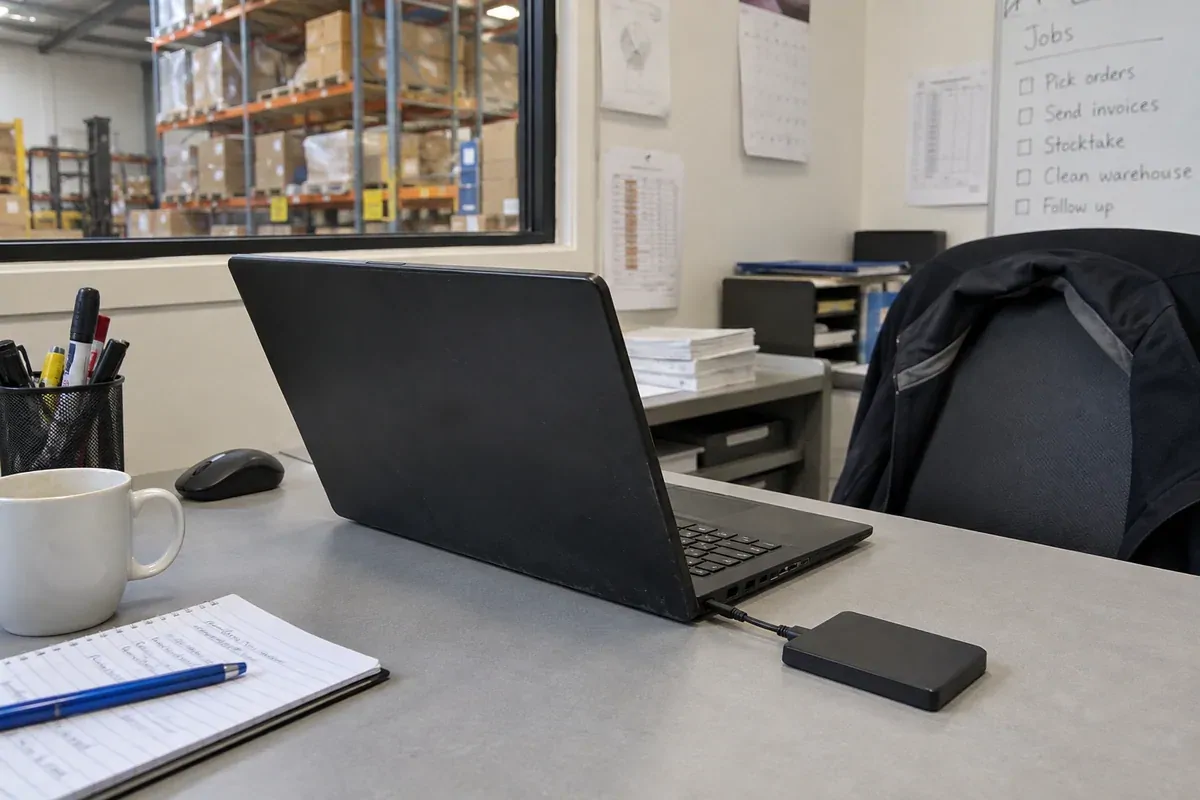
Create backup creates a .kitora file containing the records and attachments needed for a full restore. You choose where to save it.
03 / When you move it
Copies follow the destination’s settings
If you move the backup by USB, email, external drive or a synced folder, that device or service handles the copy under its own security and privacy terms.
The app does not
- require an account or login
- keep a Kitora cloud database
- run advertising or product analytics
- upload workplace records in the background
You decide when to
- create a complete backup
- move that backup elsewhere
- open an unsent email draft with a checklist
- restore a backup on another computer
Before you restore
Keep a copy before replacing local data
Restoring a backup replaces the Kitora records currently on that computer. Kitora checks the selected file and offers to create a safety backup before restoring. Keep that copy if you may need to return to the current records.
Read the backup and restore steps or see the hand-off in the product tour.
About this website
This site does not include behavioural advertising, cross-site tracking or a Kitora analytics product. Like most hosted websites, its hosting and security systems may record details such as your IP address, requested page, browser and access time. If optional measurement is added later, this page will be updated before it is enabled.
Need help with a particular action? Go to Kitora help.
Using Kitora
Store and back up your records.